AI-Powered IT Self-Service
Give employees personal help desk support that catches problems before they call, within the policies that you define, and based on IT support models you trust. Pulse AI Resolve detects, diagnoses, and remediates digital workplace issues automatically, so tickets stop piling up and your team gets back to the work that matters.
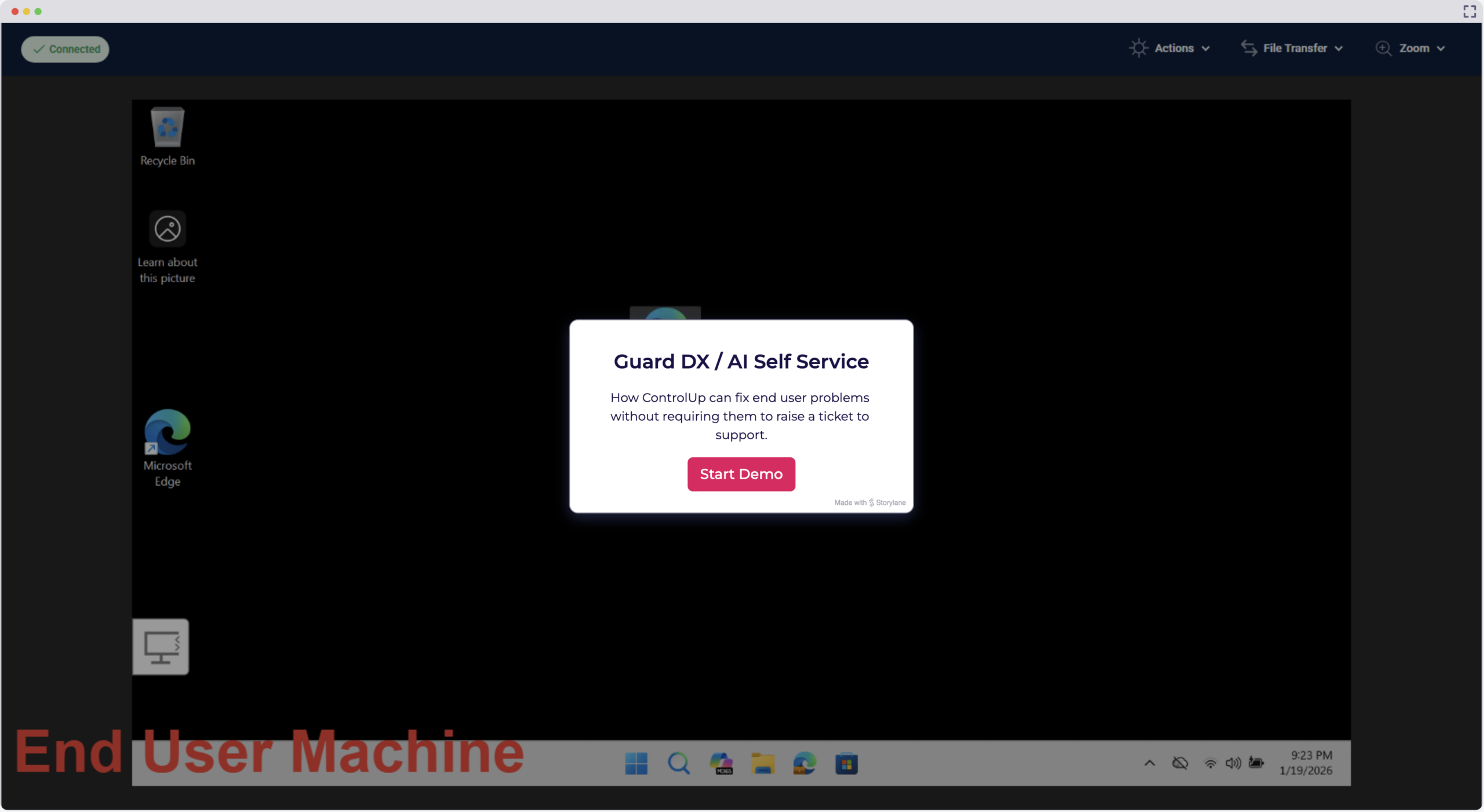
Get a Demo-
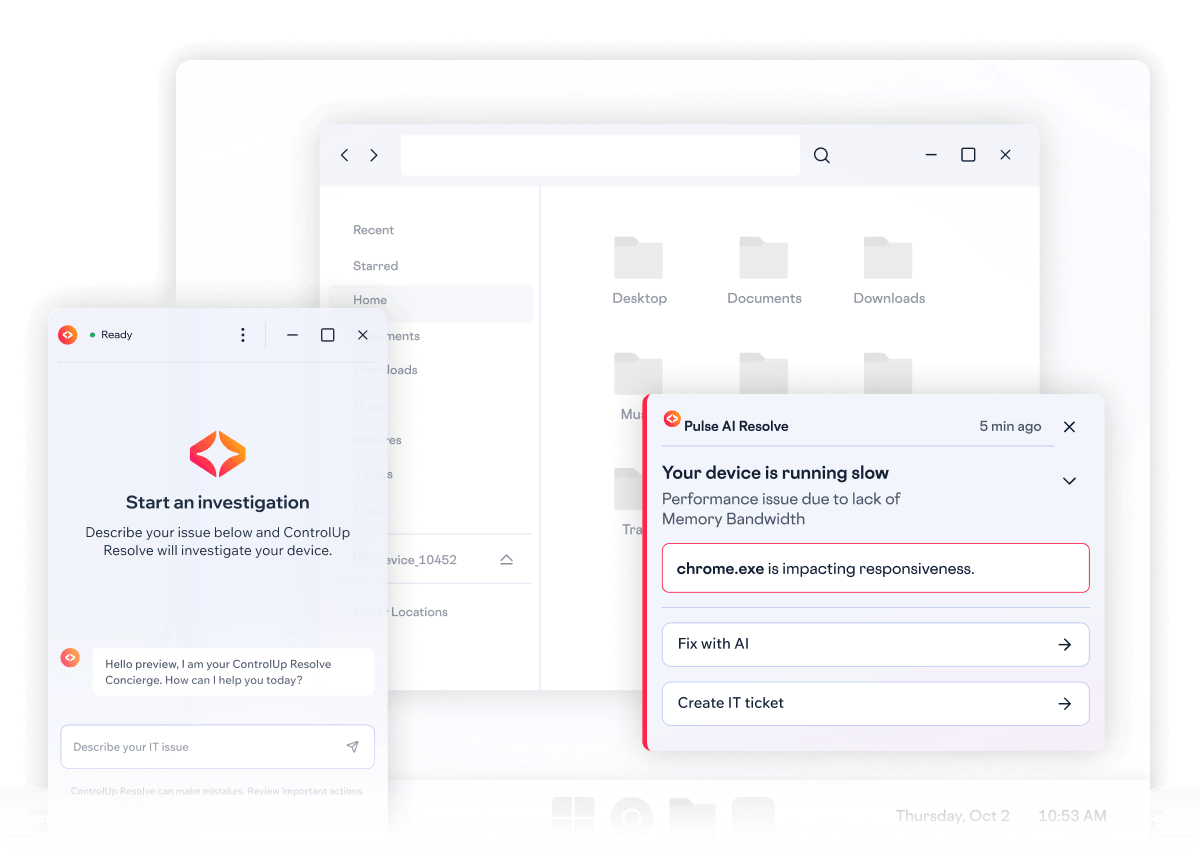
Hello preview, I am your ControlUp Resolve Concierge. How can I help you today?
-
Why is my laptop slow?
-
Getting started
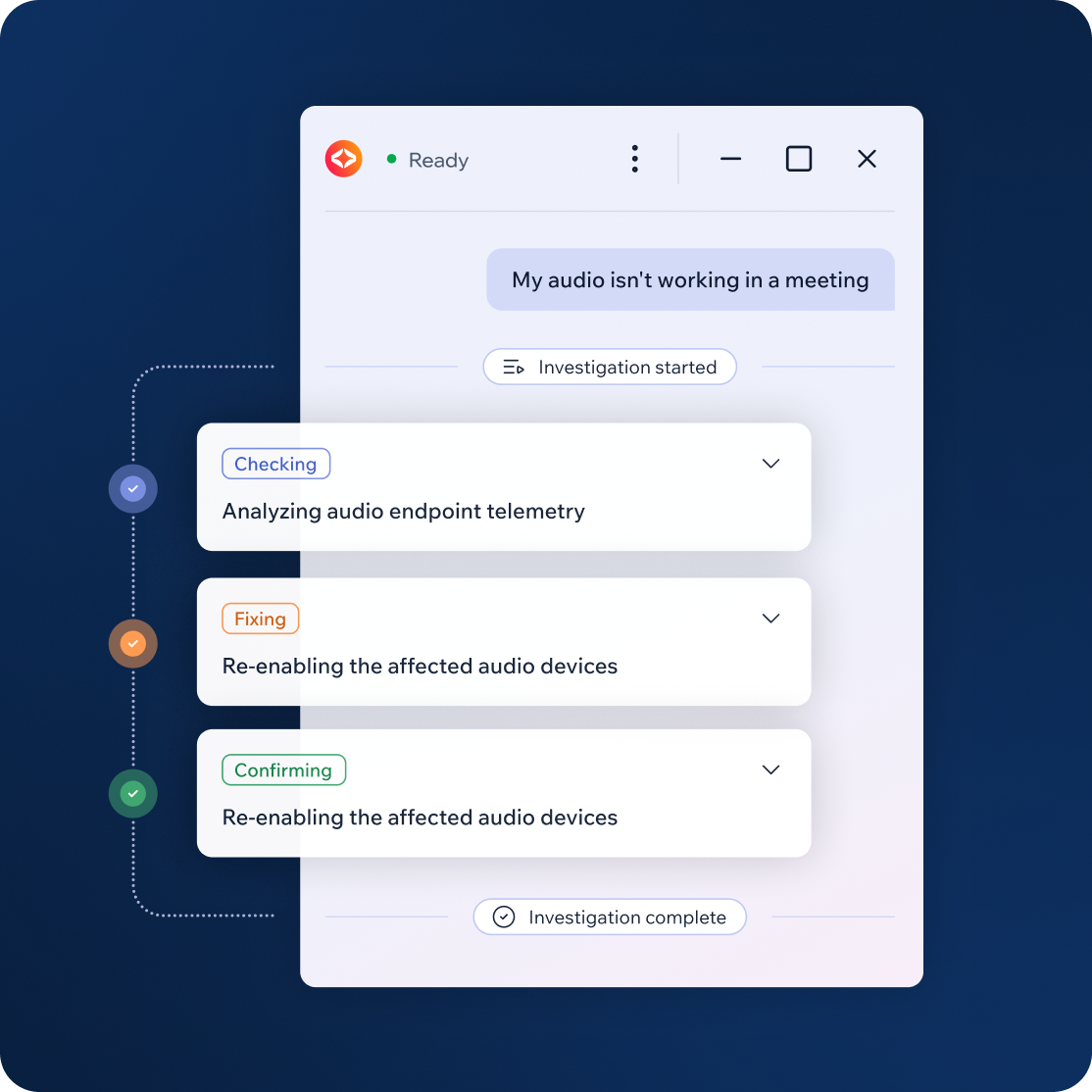
Looking into what you reported.
-
Checking your PC
Taking a look at your PC.
-
Checking CPU use and logs
Checking you CPU use and reviewing recent report logs for errors that might explain the slowness
-
All done
Making sure the fix worked.

The AI Partner on Employees’ Devices
Pulse Resolve is an AI-native self-service hub that lives on employees’ devices and connects to the ControlUp ONE platform and Pulse AI engine. It monitors performance in real time, catches problems early, and guides employees to fast, clear fixes, escalating when needed.

Built on the Support Ladder IT Trusts
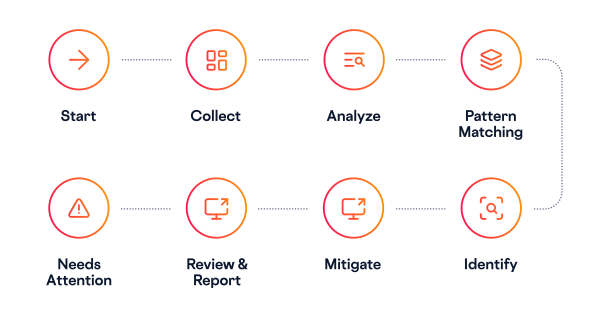
Pulse Resolve automates the same tiered support model that IT teams already rely on, so routine issues can be resolved at the right level. IT sets the control level—from running approved fixes to full agentic troubleshooting—so you can expand automation at your pace.

When human intervention is needed, Pulse Resolve hands off to IT with full context attached.

Harder issues get reasoned through by agentic AI, always inside the rules IT sets.

Recognized issues are matched to an approved fix and resolved instantly.
Built on the Support Ladder IT Trusts
Pulse Resolve automates the same tiered support model that IT teams already rely on, so routine issues can be resolved at the right level. IT sets the control level—from running approved fixes to full agentic troubleshooting—so you can expand automation at your pace.
Recognized issues are matched to an approved fix and resolved instantly.
Harder issues get reasoned through by agentic AI, always inside the rules IT sets.
When human intervention is needed, Pulse Resolve hands off to IT with full context attached.
Two Paths to Instant Resolution
In an ideal world, every issue is solved before an employee notices it. With Pulse Resolve, that world is within reach. It responds to trouble before a breakdown occurs and can begin resolving right away. Whether the system catches the issue first or the employee does, it responds with equal speed, transparency, and control.

When the System Sees it First: Proactive Remediation
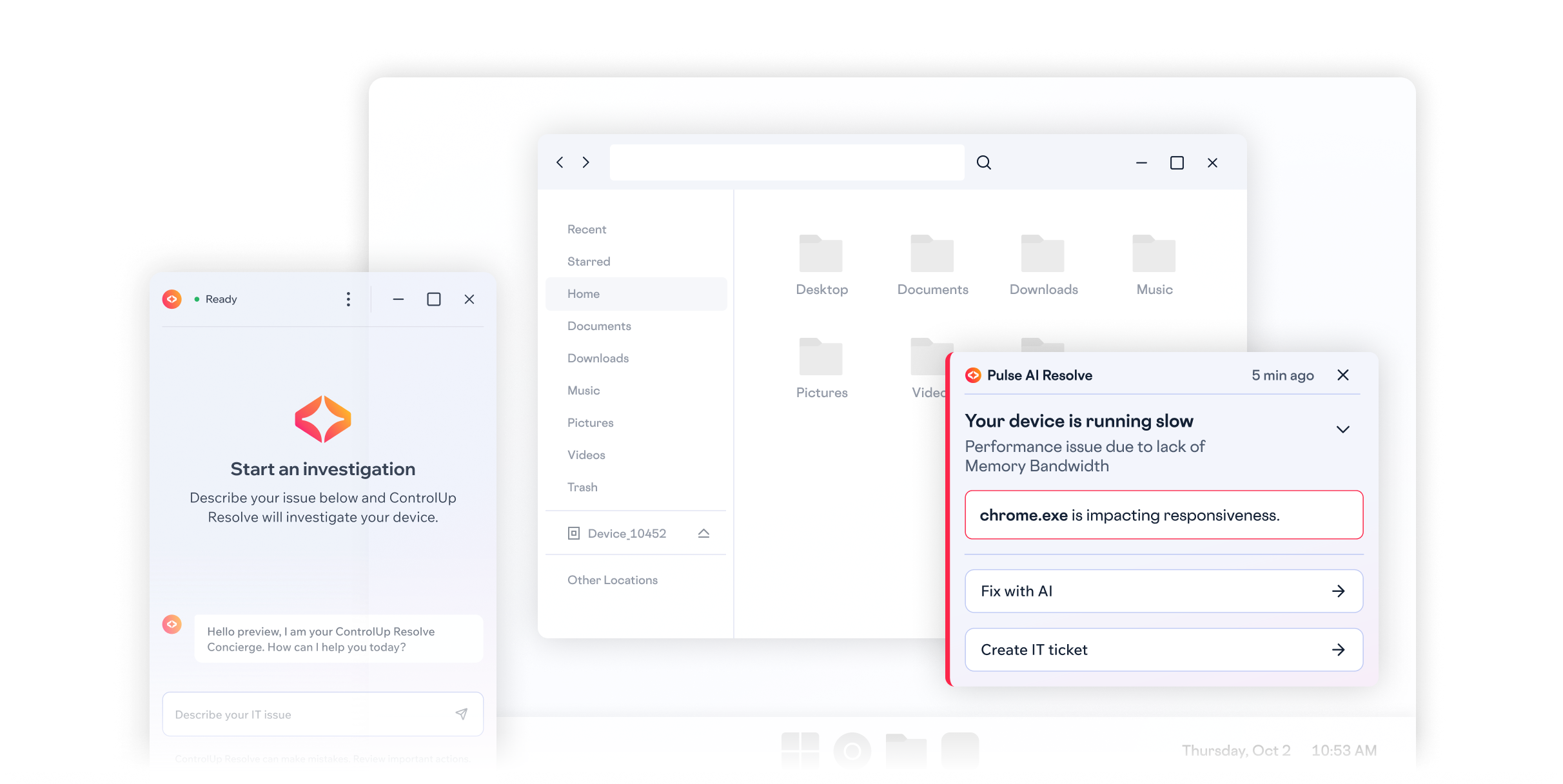
The system monitors performance metrics every 10 seconds across CPU, memory, and disk, while investigating event logs and registry directly on the device. It only alerts based on sustained breaches, not momentary blips, so “alert fatigue” is a thing of the past.
When an issue is detected, Pulse Resolve initiates a chat, investigates, diagnoses, and fixes in real time. Users stay informed and provide consent when approval is required.
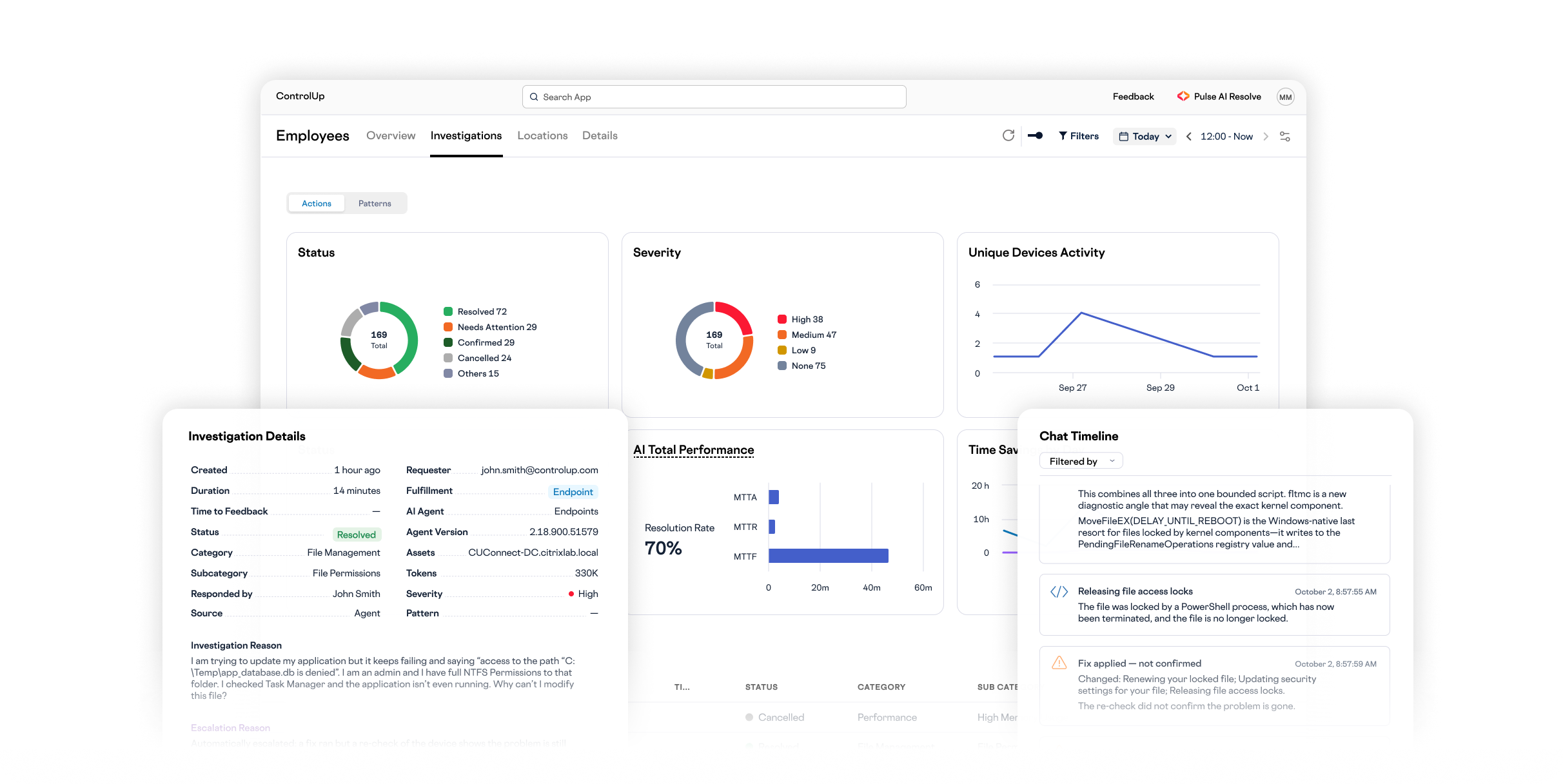
When escalation is needed, employees can do so with one click. The full investigation log is included for IT. Pulse Resolve can also auto-create tickets in ServiceNow, Jira, and Freshdesk.
Caps and cooldowns limit how often employees see alerts, so they stay informed without tuning out.
When an issue appears across multiple devices, IT can run the same investigation and fix across all devices in a single action.

When the User Feels it First: On-Demand Support
When applications freeze, performance lags, or something just feels off, employees get instant AI-powered IT support without submitting a ticket or waiting for the help desk.
Users describe issues in plain language, like “My Outlook is freezing,” to start an immediate diagnostic session.
Pulse Resolve pulls in relevant metrics and recent environment changes to pinpoint the cause and recommend a fix.
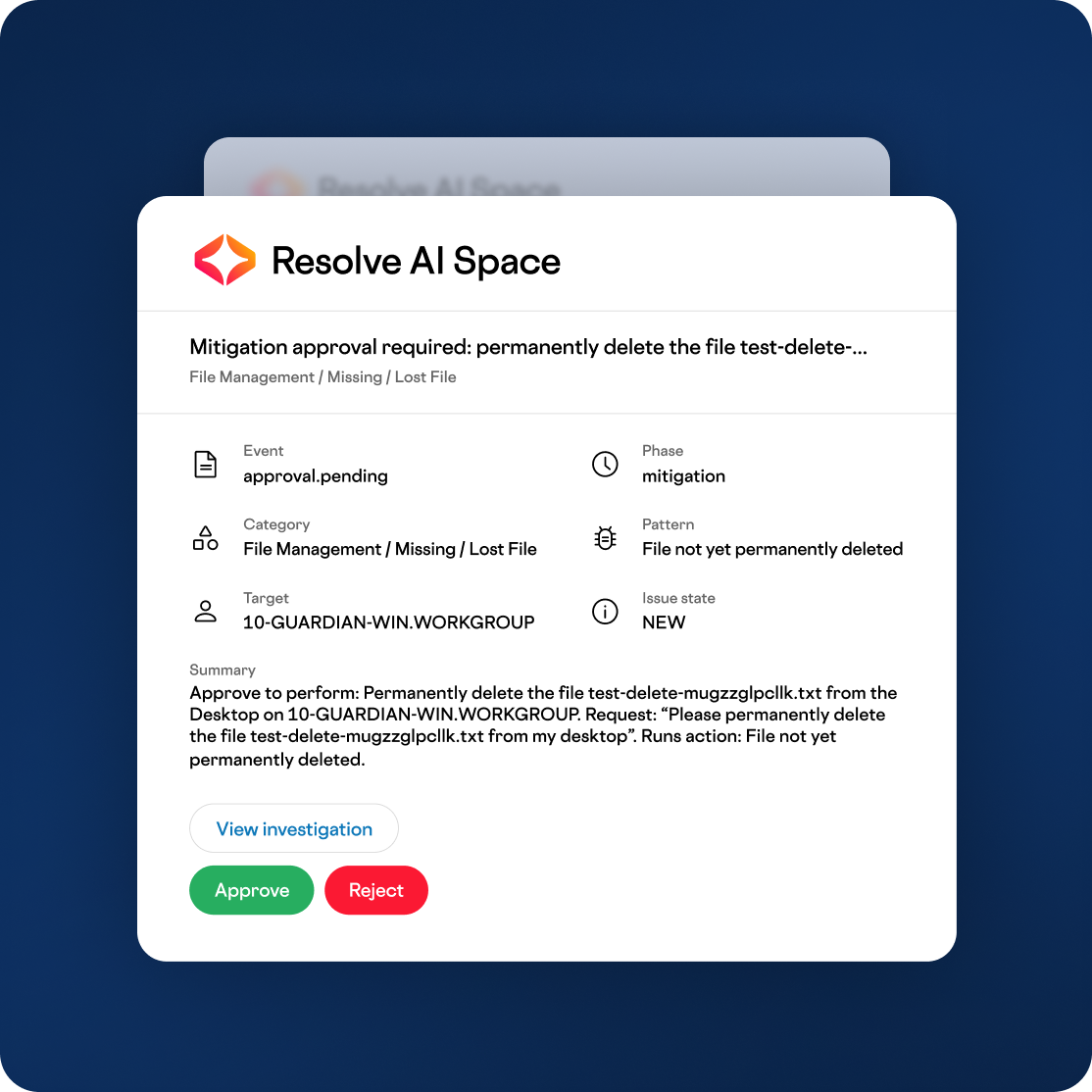
The AI explains what it found and asks for consent before making any change.
Governed by Design
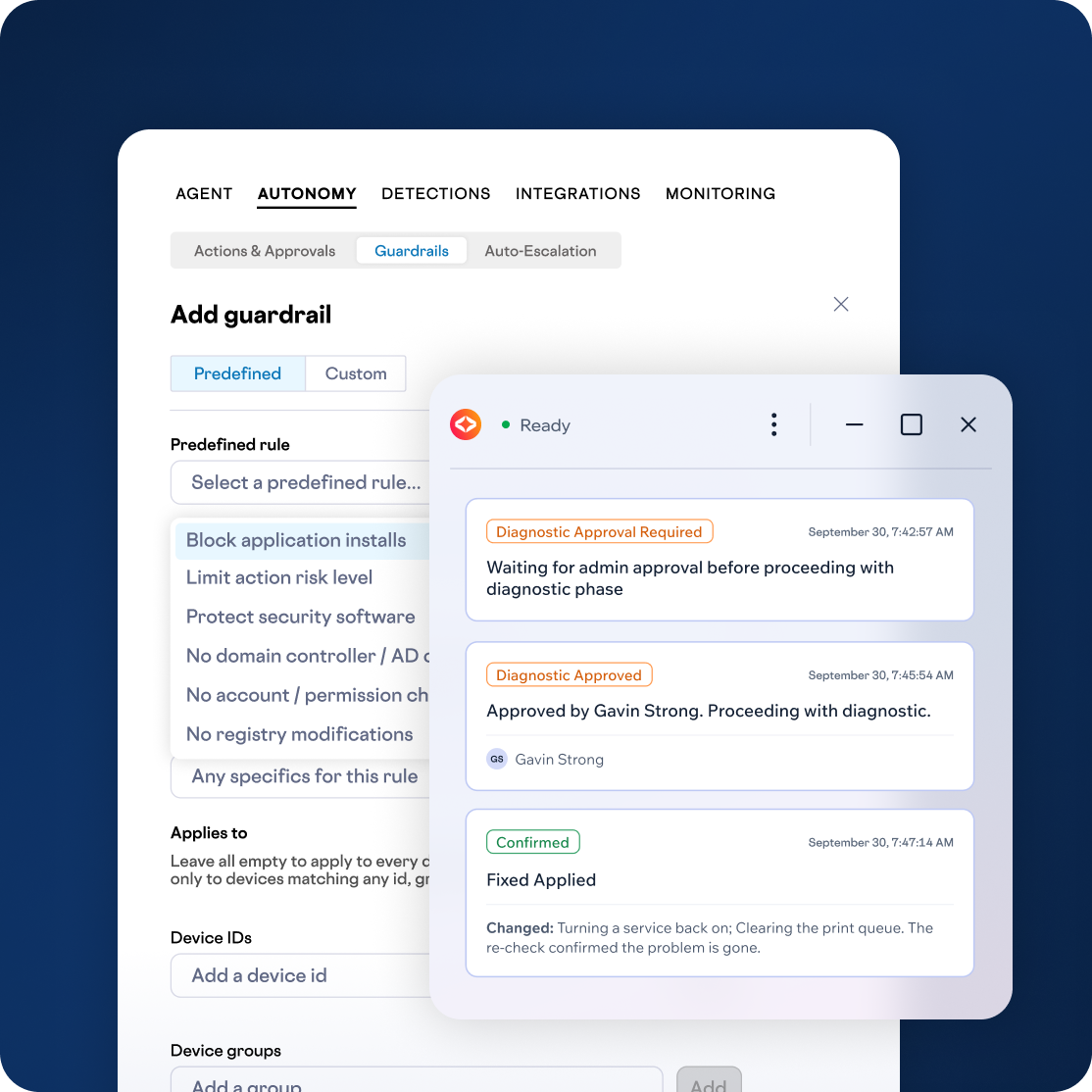
“Autonomous” only works if it’s trustworthy. Pulse Resolve is built around control, safety, and proof. IT sets the guardrails once, and the system enforces them every time.
- Control: Custom guardrails, granular admin approvals, and six scoped RBAC roles keep every action within policy. Admins can edit proposed fixes before they run, require employees to confirm irreversible actions, and control what fixes can be undone.
- Safety: Every action passes a pre-execution safety gate, and L2 uses vetted actions rather than free-form scripts. It refuses to act when the target is ambiguous.
- Proof: Resolve re-checks the device after every fix to confirm it actually worked, and reports honest outcomes: resolved, not resolved, or false positive. If a reversible fix didn’t help, employees can undo it in one click. Full audit trails are maintained down to each command.
Fits Your Environment
Ticket deflection only works if self-service fits seamlessly into how your organization already operates. Pulse Resolve is built to adapt rather than to be worked around.
- Built for Real Use: Multiple issues raised in a single message are investigated and verified separately, with retries, undo, and automatic escalation if a fix doesn’t work. Branding, accessibility, and a 29-language interface make it feel native to your organization.
- Connects to Your Stack: MCP Connectors extend what Resolve can see and act on across identity, EDR, cloud, and SaaS systems, including Okta and Microsoft 365, to check why a sign-in failed in Entra ID, push an Intune policy sync, or run a Defender scan. Knowledge base integration pulls from your own documentation, with citations, and Slack or webhook approvals let IT review fixes from tools they already use.
- Self-Maintaining: Pulse Resolve plugs into your existing workflows, and its fix library automatically merges similar fixes, keeping it lean over time.
Strategic Benefits for Your Business
Pulse Resolve turns proactive IT support into measurable business outcomes.
- Fewer Tickets: Equip employees with the tools to conduct basic troubleshooting, and watch your ticket volume drop.
- Faster Resolution: Resolve many issues instantly with AI and reduce the time employees spend waiting in support queues.
- Clear Outcomes: Every fix is verified and reported as resolved, not resolved, or false positive, so IT can see exactly what self-service is solving.


 English English
  Deutsch
 Français